
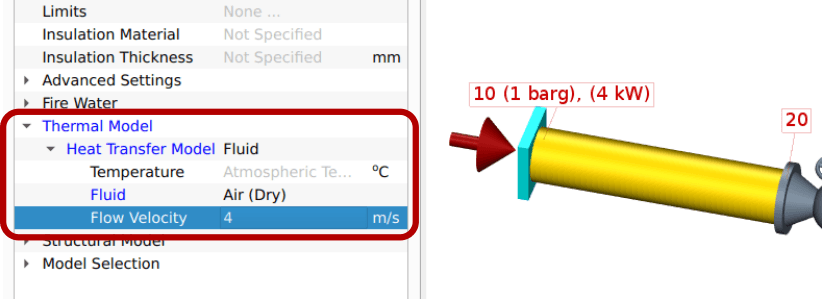
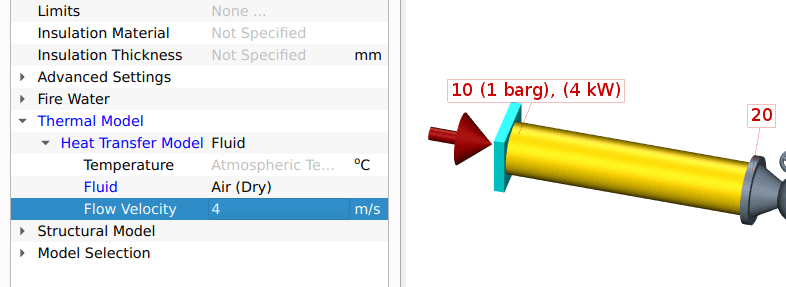
Four heat transfer models are available: Adiabatic (the default), Fluid, Soil and Custom:
- The first model assumes that there is no heat exchange between a pipe element and its surroundings.
- The Fluid model models the convective heat transfer between a pipe element and a surrounding,
moving fluid (typically air). - The Soil model models the conductive heat transfer between the surface of a buried pipe element, its surrounding soil and the soil surface.
- The Custom enables you to specify an effective heat transfer coefficient that determine the heat transfer between a pipe element surface and its surroundings using.
When the thermal calculation option has been enabled in the steady state analysis settings, then the steady state solver calculates the solution of the coupled flow and thermal equations. These equations are coupled because the fluid properties depend on the temperature, and the heat transfer calculations depend on the flow velocity.
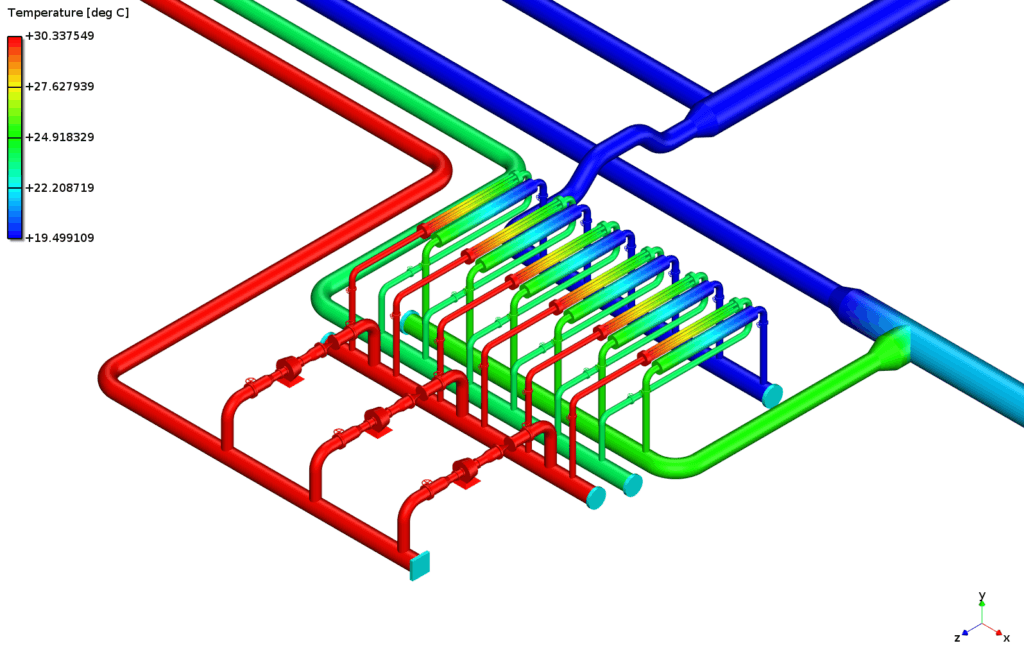
The support for thermal analyses significantly expands the capabilities of BOSfluids to new uses. This means that you can solve a wider range of problems associated with piping systems, helping you to cut down on license costs and time spent on learning to use multiple applications.
A separate license option is required to perform thermal analyses. Please contact our software team for more information.
- BOSfluids 8.1 Support for AIV assessments
- BOSfluids 8.1 Support for a wider range of liquids
- BOSfluids 8.1 Extension of the pump model and user interface
- BOSfluids 8.1 Support for specifying limits
- BOSfluids 8.1 More accurate modelling of gas-filled systems
- BOSfluids 8.1 Extension of special flow elements
- BOSfluids 8.1 Addition of a new batch plot generator
- BOSfluids 8.1 Improved and more efficient user interface
- BOSfluids 8.1 Other improvements